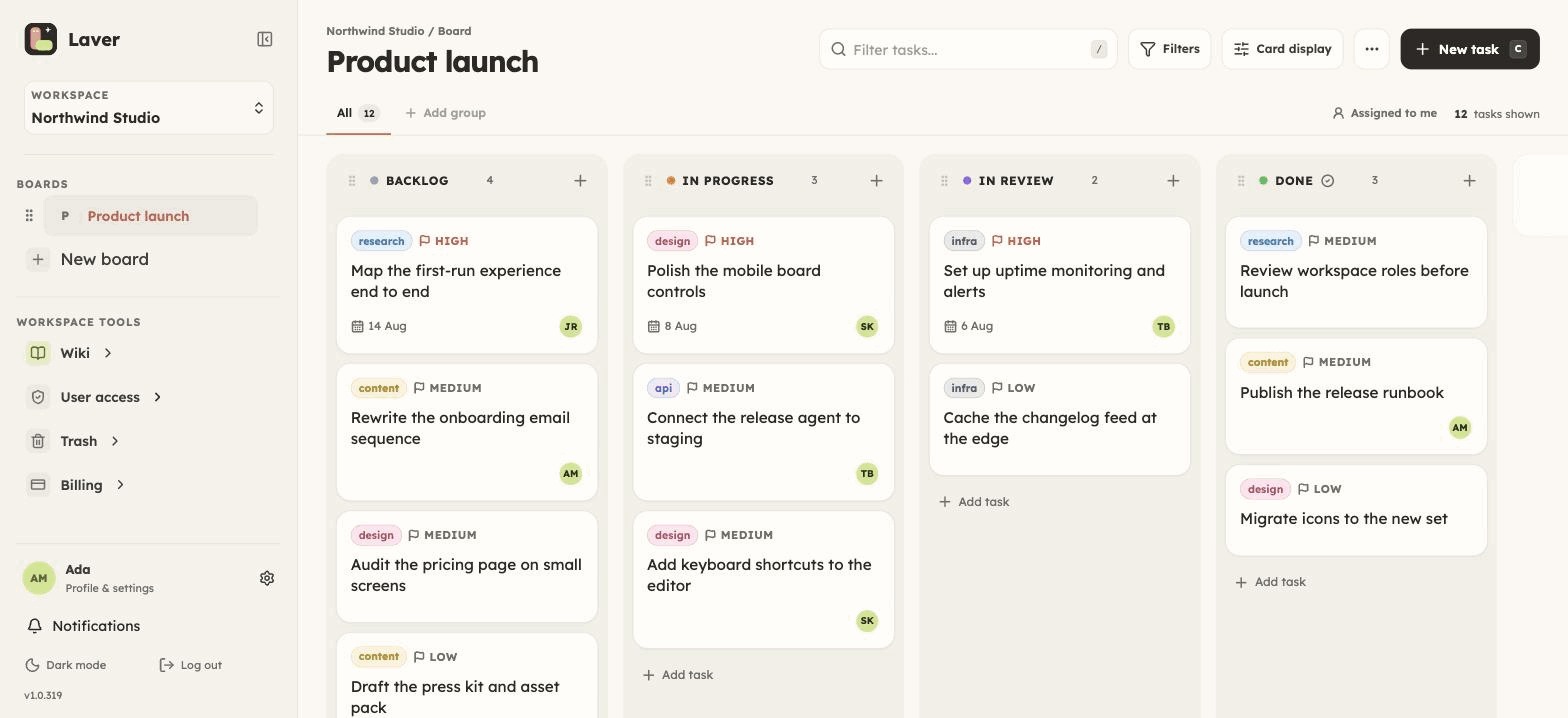
You already work in Claude or Cursor. The work happens there — and then
the record of it lives somewhere the assistant cannot reach, so you
paste status into a board by hand, or the board quietly goes stale.
Laver publishes an MCP server so the board is simply one of the things
your assistant can read and write.
The server is an npm package, fetched by npx and spoken
to over stdio. It keeps no state and caches nothing — every tool is
a thin call to the same REST API the web app uses, so there is no
second implementation to drift.
A key is scoped to one workspace and acts as whoever created it,
so it can do exactly what they can do and nothing more. Revoke
it without touching their account, and give it an expiry if you
want one.
Claude Desktop, Claude Code, Cursor, and anything else that
speaks the protocol. Connecting a second client is the same
block again — the board does not care how many are pointed at
it.
Not a read-only view of your tickets. The same surface the app has,
which is the point of building it on the public API.
Tickets, end to end
List a column or walk a whole board, then create, update, move,
comment on, link and archive tickets — with labels, assignees,
priorities, dates and custom fields.
The wiki beside the work
Read and write workspace pages, append to them, and read back an
earlier version. The writing about the work is in the same place
the assistant is already looking.
One search across everything
The same search the app runs at ⌘K, over boards, tickets,
comments and pages — so "what did we decide about billing" is
one call rather than four.
Attachments
List what is on a ticket, read a file back, and upload a new
one. A screenshot an agent produced belongs on the ticket, not
in a chat log.
TWO WRITERS, ONE BOARD
It cannot quietly overwrite a colleague.
The reason to be nervous about this is not the API surface. It is
that an assistant and a person are about to edit the same ticket.
Every ticket carries a version
A write sends the version it read. If somebody edited in
between, the write is refused with a 409 instead of landing,
and the agent re-reads and retries against what is there now. Nothing
is silently lost, and nobody has to notice it happened.
When Laver refuses a write, the refusal comes back verbatim. An
agent can act on "409, re-read and retry"; it cannot act on
"something went wrong".
Every change is attributable
Work done through a key appears as the person it belongs to, and
the board keeps its activity history either way — so a ticket
that moved on its own is still a ticket you can account for.